Administration
Email & calendar
Connect a mailbox and OppFlow materialises the last 30 days of mail and meetings involving your contacts as activity on the right deals.
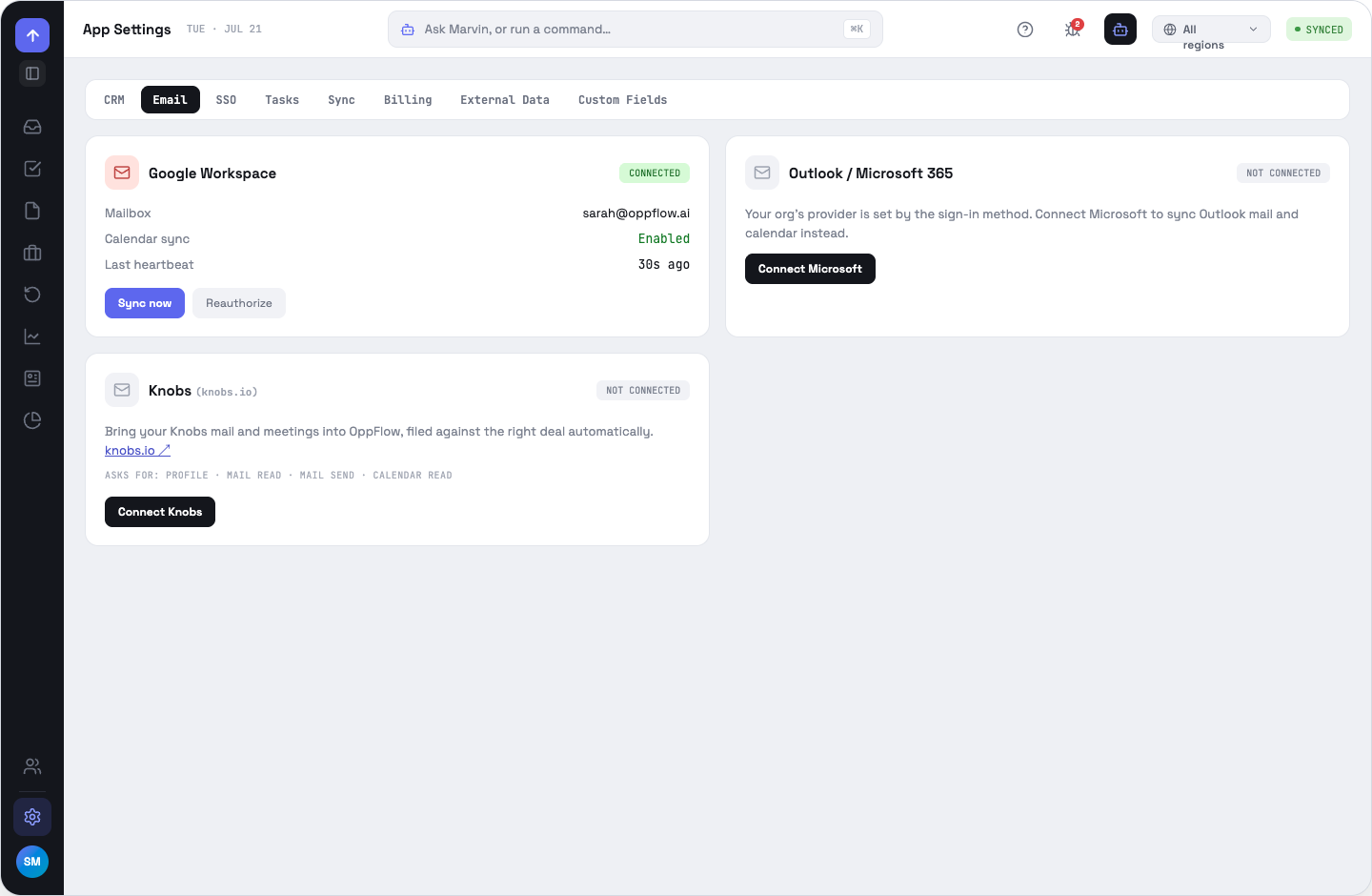
Providers
Google Workspace, Microsoft 365 and Knobs. The workspace picks one; on the login screen, continuing with Google or Microsoft also selects that provider for a new workspace.
The four connection states
Permissions we ask for
Profile read, mail read, mail send, calendar read. Never calendar write and never mailbox modify — OppFlow does not delete, move or label your mail.
What a connection can do is read from the scopes the provider actually granted, not the ones we asked for. If a Workspace policy or your own consent screen withholds one, the panel shows the reduced capability instead of claiming it works.
When sync runs
On a schedule, on the app's heartbeat, and on demand from the palette's Trigger mail sync action or the header sync control. Only threads and events involving contacts in your CRM are read.
OppFlow.ai docs · by Traversal · v0.1.32