Marvin & Plays
The ⌘K command bar
One input for three jobs: ask Marvin, jump somewhere, or run an action.
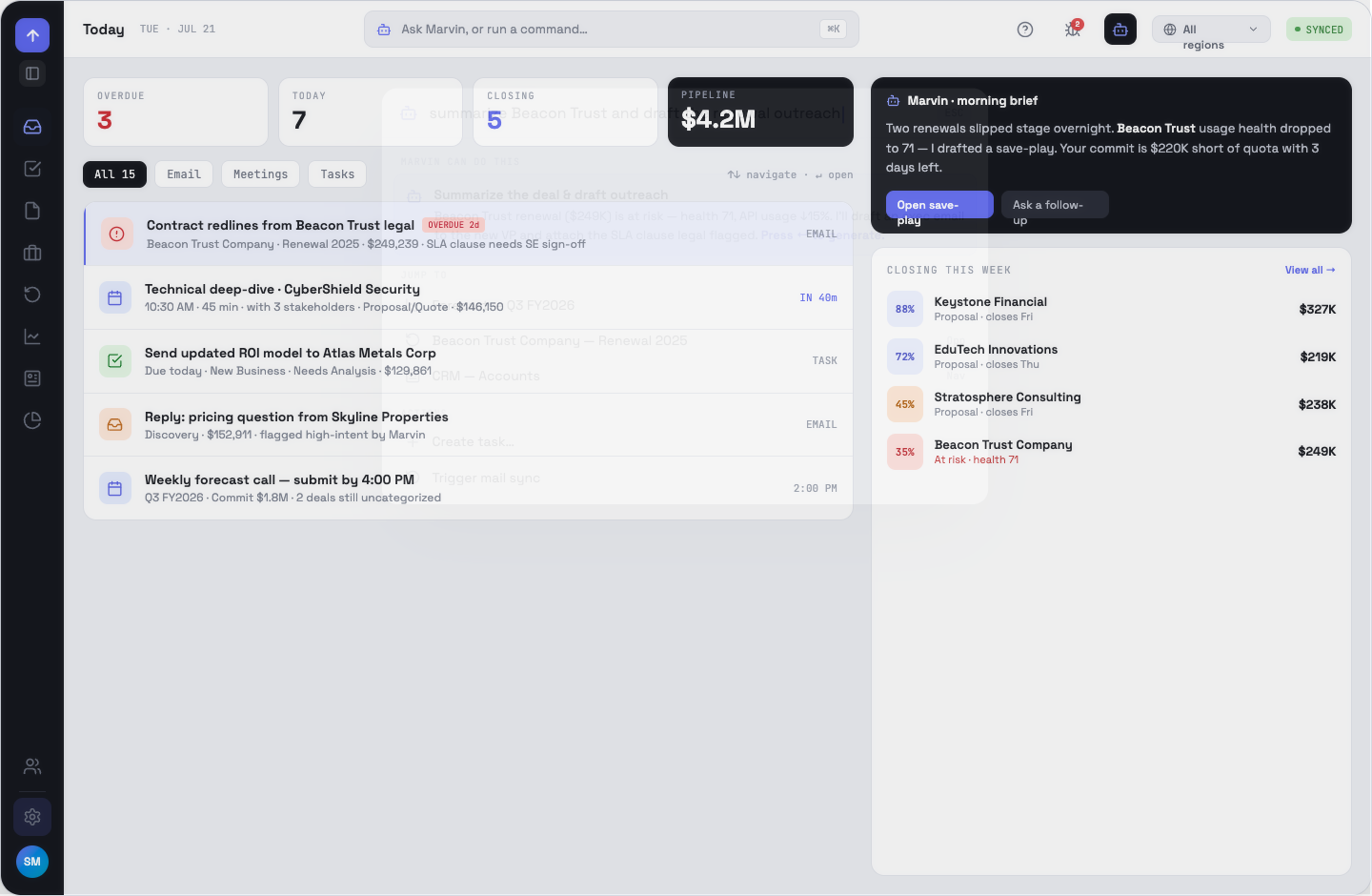
The three sections
- Marvin can do this — a preview of the answer, with Enter to generate it in the drawer.
- Jump to — routes matched on keywords, plus a live search of your opportunities. Settings is hidden for non-admins.
- Actions — create a task, start a note, trigger a mail sync.
Opening and closing
⌘K or Ctrl-K toggles it from anywhere; so does clicking the pill in the command bar. Esc or a click on the backdrop closes it.
Known limit
Opportunity search in the palette filters one page of results client-side. For a big pipeline, filter on the pipeline page instead.
OppFlow.ai docs · by Traversal · v0.1.32