Getting started
What OppFlow is
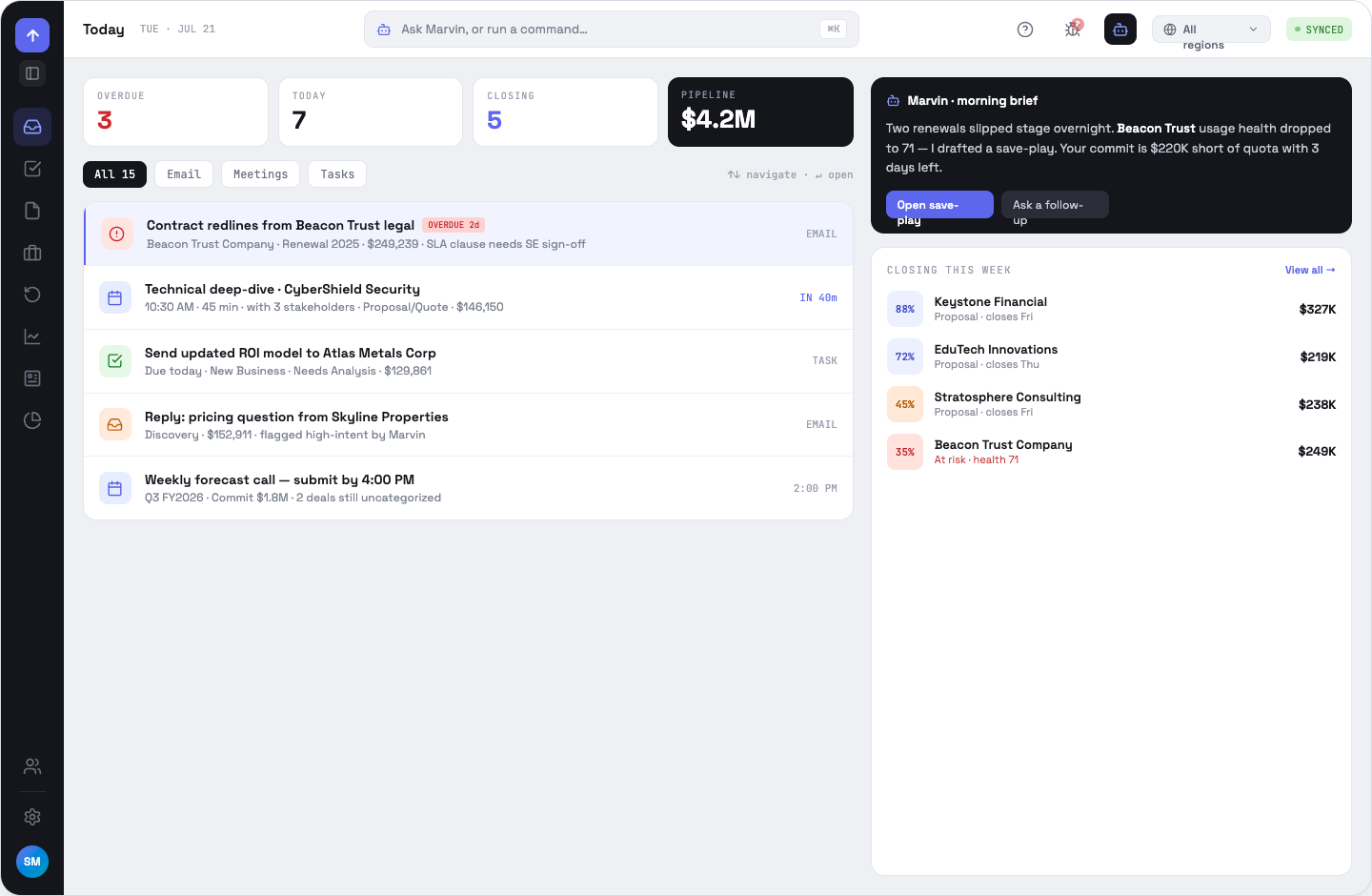
One workspace for renewals and new business, sitting on top of your CRM, with an AI assistant — Marvin — on every surface.
OppFlow centralises the touchpoints a deal actually lives in — CRM records, email, calendar, calls, notes, tasks and product-usage data — so a rep or sales engineer works one queue instead of five tabs. Your CRM stays the system of record if you want it to; OppFlow mirrors it read-only, lets you enrich it with app-local context, and queues approved field edits back.
Who it is for
Account executives own the opportunities and the forecast. Sales engineers get the same deals plus the technical surfaces — SE status, usage health, relationship maps. Managers and the Head of Sales get territory roll-ups and reporting. Admins configure the connections everyone else depends on.
The shape of the product
OppFlow.ai docs · by Traversal · v0.1.32