Working deals
Forecast
Your commit for the quarter, the deals behind it, and the team roll-up above it.
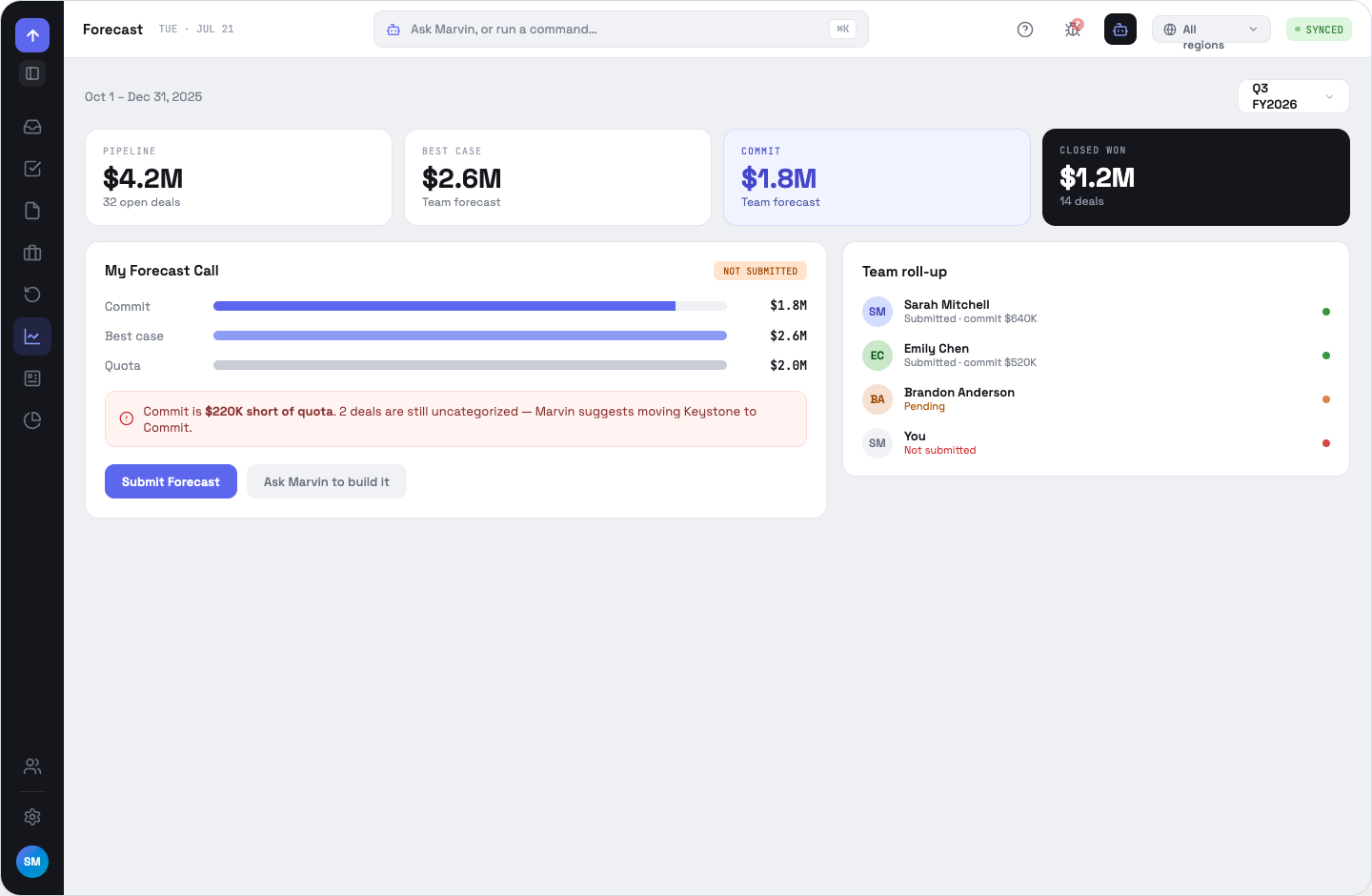
My Forecast Call
Submit your number for the selected quarter — you type it, having read the pipeline beside it. The point is that you own the commit. Marvin is one keystroke away for the reasoning, but it does not fill the figure in for you.
Quota and shortfall
The view has a quota bar and a shortfall callout, and they render only when a positive quota is set for you. Nothing sets one yet — quota is not populated by the backend today, so in practice the page reads “Quota not configured” and shows the summary without it.
Team roll-up
Managers see each rep's call against their pipeline for the same quarter. The territory chip scopes this like everything else, so a regional manager sees their region's roll-up without changing pages.
OppFlow.ai docs · by Traversal · v0.1.32