Administration
External data & metrics
Where product-usage numbers come from, and how they become the health score on a renewal.
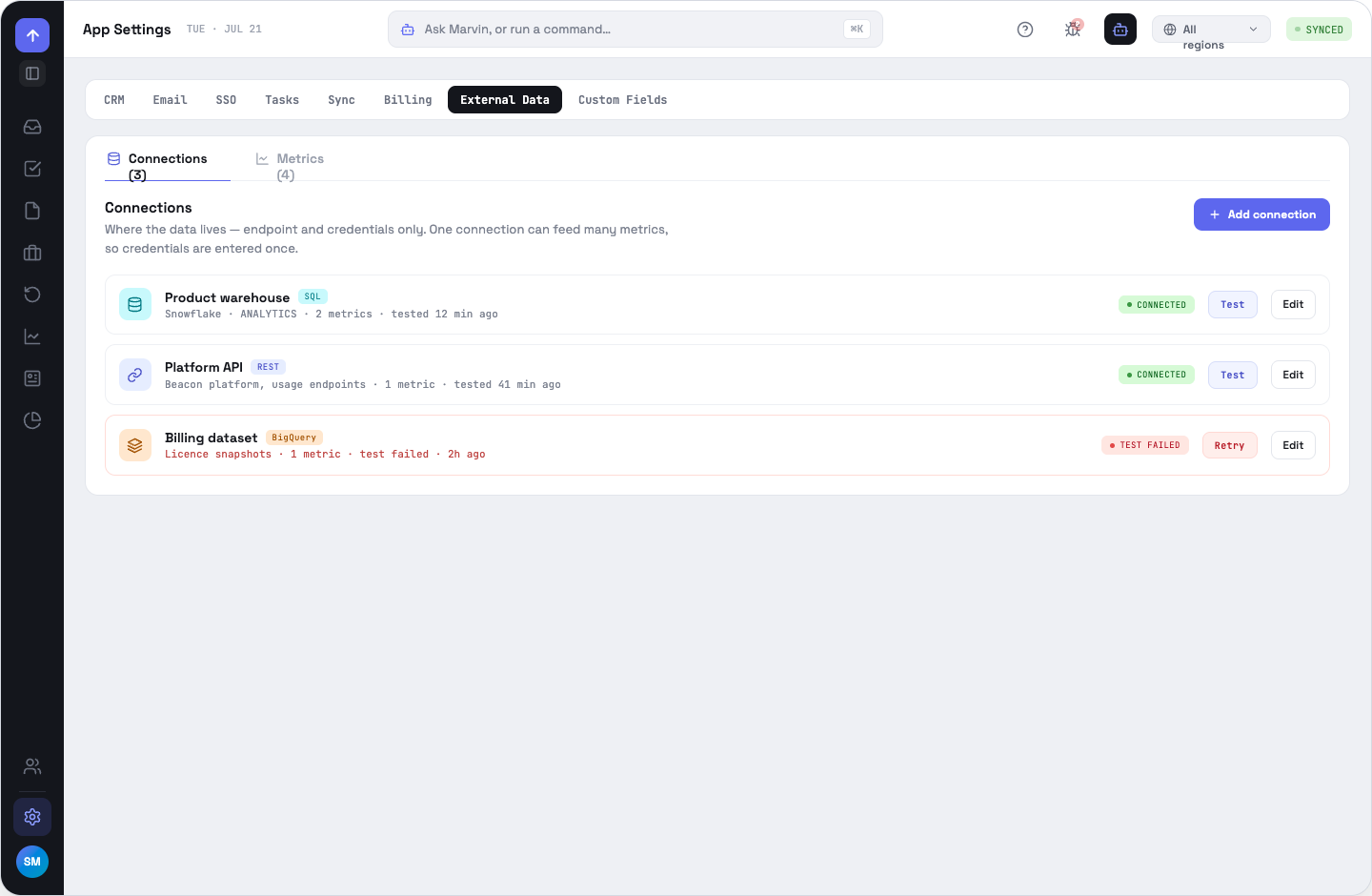
Two objects
A connection is an endpoint plus credentials, entered once. A metric is one query plus a field mapping plus health scoring, and belongs to a connection. One connection can feed many metrics, which is why credentials are never re-typed per metric.
Adding a connection
Name it, describe it, pick a type — REST, SQL, BigQuery, GraphQL or the built-in Mock source — and fill the per-type connection and auth fields. Test connection runs inline, and the row carries a state (CONNECTED, TEST FAILED, NOT TESTED), the number of metrics depending on it, and when it was last tested. Deleting a connection is refused while metrics still use it, and says how many.
Building a metric
- Basic — connection, name, unit, description, refresh schedule (hourly, every 6 hours, daily, weekly) and an enabled toggle.
- Query — for REST, a method and path; for SQL (Postgres, MySQL or Redshift) or BigQuery, a single read-only SELECT in the editor; for GraphQL, the query document. Run test returns one sample row and carries its field names forward.
- Mapping — which result field identifies the account, and what it is matched against (account domain, Salesforce ID, HubSpot company ID or account name); the value field; and a date field, which is required — with no date there can be no trend. Chips from the last test fill these by clicking.
- Health — whether this metric contributes, a weight of ×1 to ×5 shown as a live percentage of the score, and the trend bands.
Saving needs all of: a connection, a name, a query, and account, value and date mappings.
What happens after that
Each due metric refreshes on its own schedule, collapses to one value per account per day, and writes a six-month window plus a health summary. Deleting a metric removes its stored series with it. The metrics table shows a six-month sparkline and band per metric, and totals for enabled count, scoring health and total weight.
OppFlow.ai docs · by Traversal · v0.1.32