Team & territories
Members, invites & links
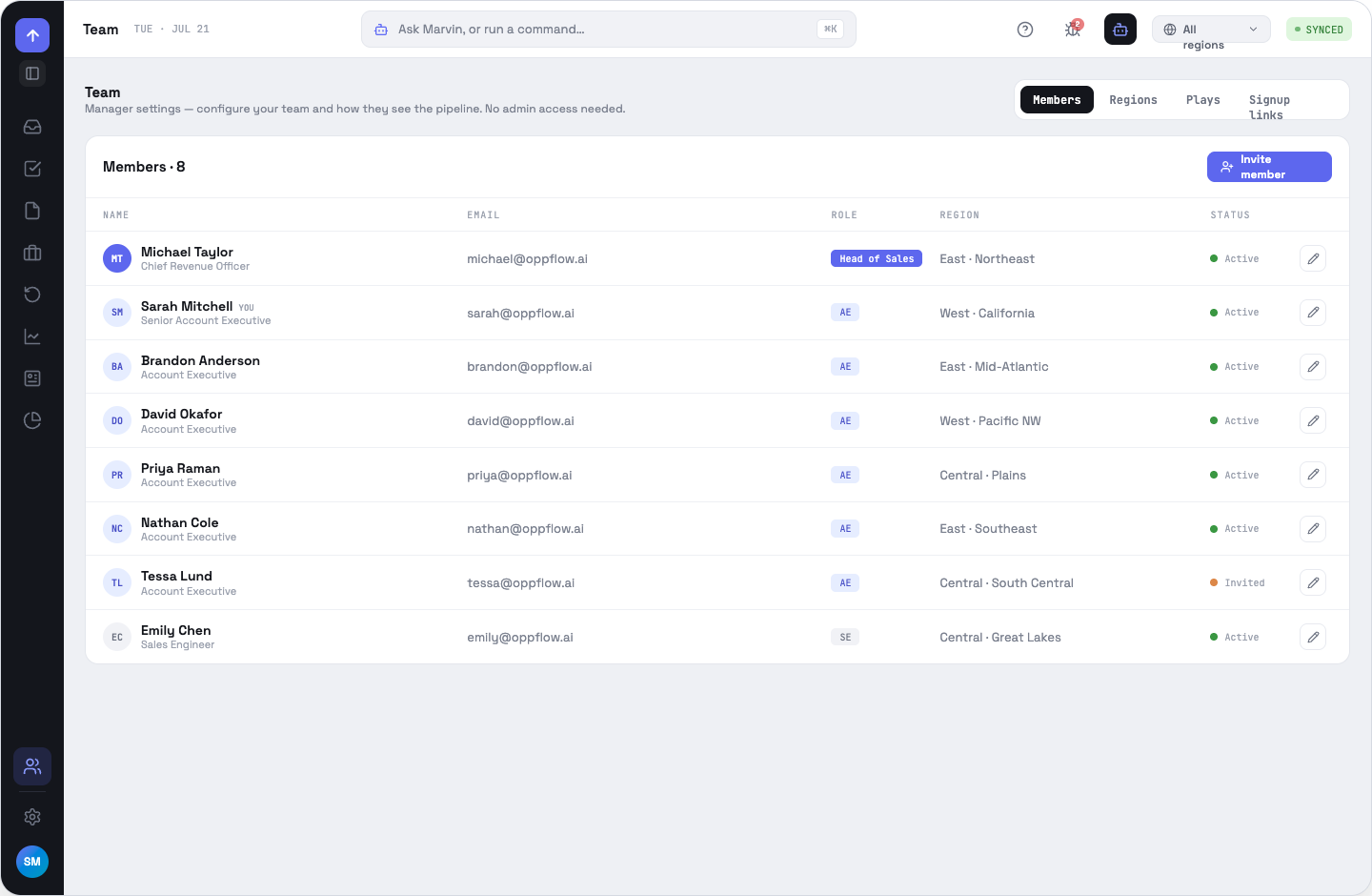
Team is the manager surface — who is on the team, what they can see, and how new people get in. It is deliberately separate from admin App Settings.
Editing a member
The pencil on a row opens the member editor: name, job title (a free-text label, distinct from the role), read-only email, sales-role chips with a per-role capability hint, the Administrator toggle on its own axis, region and status. Removal is refused when the member owns open deals — the count is stated — or when it is your own account. Invited people appear as rows derived from their pending invite and carry no pencil; there is no member record to edit yet.
Inviting people
Paste any number of addresses separated by commas or spaces — a live count confirms what was parsed. A role is required (AE by default). Region defaults to “let them choose when they accept”. An optional personal note goes into the email.
Signup links
For workspaces without SSO, one shareable link lets anyone who opens it sign up straight into your company. When you create one you set a default role (required) and optionally a default region — leave the region empty and the person picks their own at signup.
Three limits, each off by default: a seat count, an email-domain allow-list, and an end date. The card shows the join URL, a state pill — ACTIVE, LIMIT REACHED, EXPIRED or REVOKED — the five facts in force, and a seat-usage bar that turns amber at the cap. Preview opens the join page exactly as an invitee sees it.
OppFlow.ai docs · by Traversal · v0.1.32